




Winairlines App
The Winairlines app is a PWA version of our casino for quick access on mobile and desktop. You add it to your device and launch it from an icon, without using an app store. It works on Android, iOS, and on Mac or Windows. Setup takes only a moment, and you keep the same familiar interface once you open it.



Winairlines App for Android
Add Win Airlines to your home screen and open it from the icon instead of a browser tab. This is the simplest way to return to the casino fast, especially if you switch between apps during the day.
The lobby behaves like the website. You can browse the catalog, use search, and apply filters to narrow your choices. That matters on a smaller screen because it saves you from endless scrolling. Search makes it easy to reach Book of Ra Deluxe by name, and featured areas may also show Crazy Time when you want a quick pick.
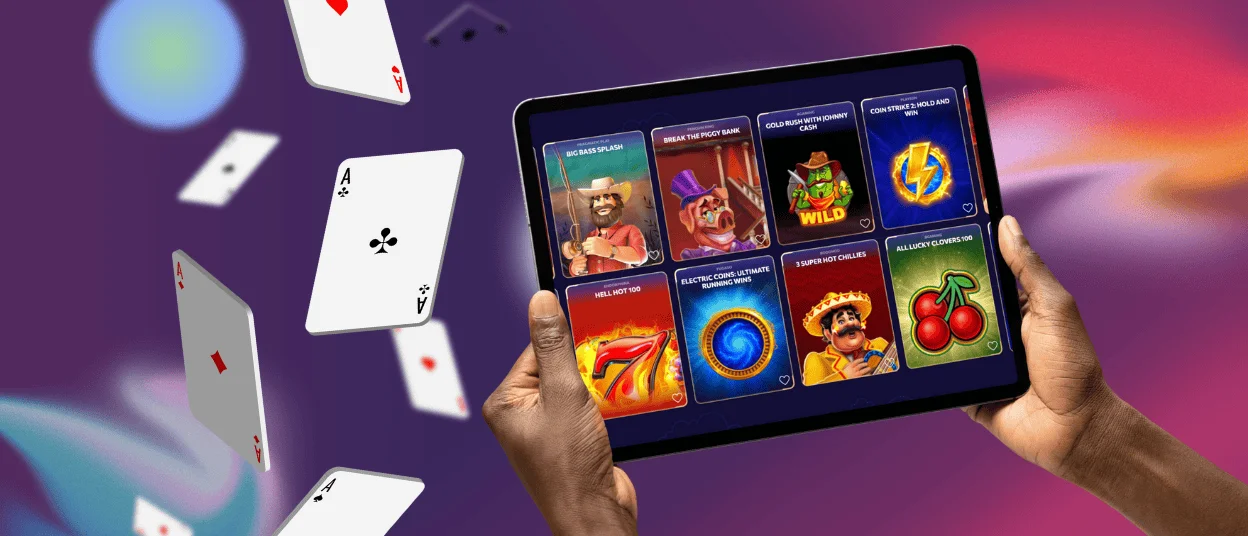
Mobile Application for iOS
Safari lets you save Winairlines as a home-screen shortcut, so the platform opens from an icon like an app. You launch it directly, without an app store and without extra steps.
This format is useful when you want to check account sections quickly. Promotions stay in the same interface, so you can see what is active and return to the lobby. Weekly cashback is one example you may see in the promo area. The cashier is easy to reach as well, so checking your balance or opening a deposit screen takes only a few taps. If your device supports Face ID or Touch ID, biometric sign-in can also make returning faster.
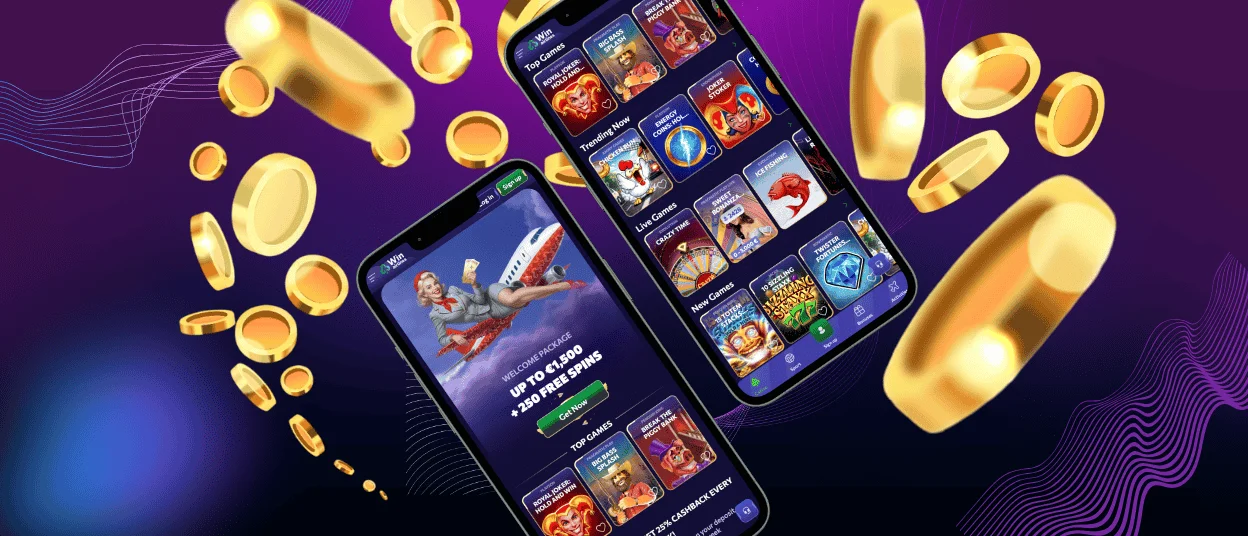
Play Winairlines on Mac or Windows
A desktop icon makes Winairlines easier to reach when your browser is full of tabs. You click once and open the casino, instead of searching your history or reopening the same bookmark.
Many browsers can install the site as a web app and launch it in a separate window. This keeps Win Airlines apart from work tabs and everyday browsing. The bigger screen also helps with comfort. You can scan more of the lobby at once and keep support chat visible without covering the game.
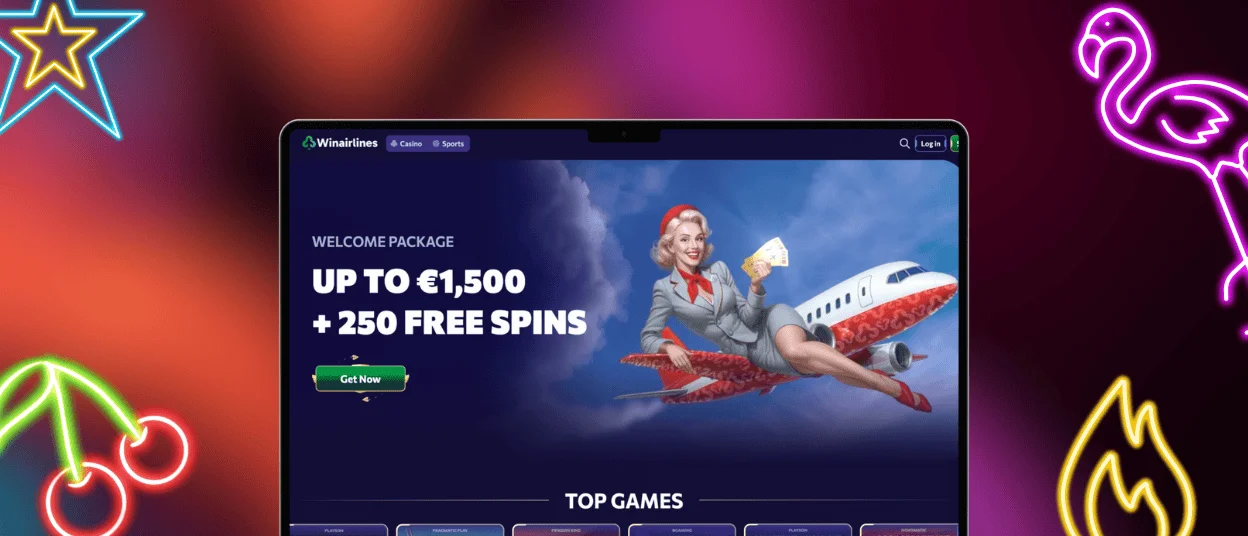
How to Install the Winairlines App on Any Device
You add Winairlines through your browser and get an icon that opens the casino in one click. On phones and tablets, the icon goes to your home screen. On computers, it goes to your desktop or taskbar, and many browsers open it in a dedicated window.
If you want the quickest path, use the default browser for your device. On Android, Chrome usually shows the option in the menu as “Add to home screen.” On iOS, Safari shows it in the Share menu as “Add to Home Screen.” Desktop browsers often offer an install option for supported sites or a shortcut option that creates a desktop icon.
| Device | Best method | Where to find it | Result |
| Android | Add a home-screen shortcut | Chrome menu option to add the site to your home screen | Home-screen icon |
| iOS | Add to Home Screen | Safari Share menu | Home-screen icon |
| Mac / Windows | Install or create a shortcut | Browser install or shortcut option | Desktop icon, often a separate window |
Your device may show permission prompts during setup. You decide what to allow, and the core experience works without extra permissions.
Some players search for Winairlines APK when they want a mobile app. You do not need it here. The PWA gives the same app-style access from an icon without downloading installer files from unknown sources.
Benefits and Features of the Winairlines App
The app format keeps the same platform and the same account. What changes is the entry point and the way the window behaves on your device. If you want quicker access and fewer distractions, these points matter most.
- Works on iOS and Android. You can set up the shortcut on both platforms and keep the same navigation. The main sections stay consistent when you switch devices.
- Instant access from an icon. Open Win Airlines straight from your home screen or desktop. You skip searching for the site, bookmarks, and tab hunting.
- Notifications when you opt in. If you allow alerts, you can receive updates about promotions, bonuses, and important account messages. You can turn notifications off at any time.
- Smoother everyday use on mobile. The app-like view aims to load faster and feel more stable than a busy browser session. It also reduces tab clutter and background noise.
- Security options on supported devices. Face ID or Touch ID can speed up sign-in on compatible phones and tablets. Your device handles the biometric layer through your usual security settings.
- Cleaner navigation on small screens. Buttons and menus feel easier to use in an app window than in a crowded browser tab.
- Real trade-offs and limits. The app uses some storage and may need occasional updates. High-quality games can consume more battery and mobile data. Older devices or OS versions may not support every feature, and some functions can depend on device or platform rules.
If you prefer one-click access, the shortcut is worth adding. If you prefer the classic browser flow, you can keep using the site the usual way.
FAQ
Is the Winairlines app a normal mobile app?
It is a PWA-style web app. You add it through your browser and open it from an icon.
Do I need an app store to install it?
No. Set up runs through the browser.
Can I use the app on more than one device?
Yes. Add the shortcut to your phone and also install it on your computer. Your account stays the same.
What if I cannot find “Add to Home Screen”?
Use the default browser for your device. Chrome usually works best on Android, and Safari is the standard choice on iOS. Updating the browser can also make the option appear.
Will the shortcut always open in a separate app window?
This depends on the device and browser. Many setups open in a focused view. Even when it opens as a tab, the icon still saves time because it takes you straight to the platform.
What happens if I delete the icon?
You can add it again using the same method. Nothing changes in your account.
Does the app change the games or features I can use?
No. The shortcut changes how you open Win Airlines. The lobby, account sections, and core platform features remain the same, just easier to reach.


